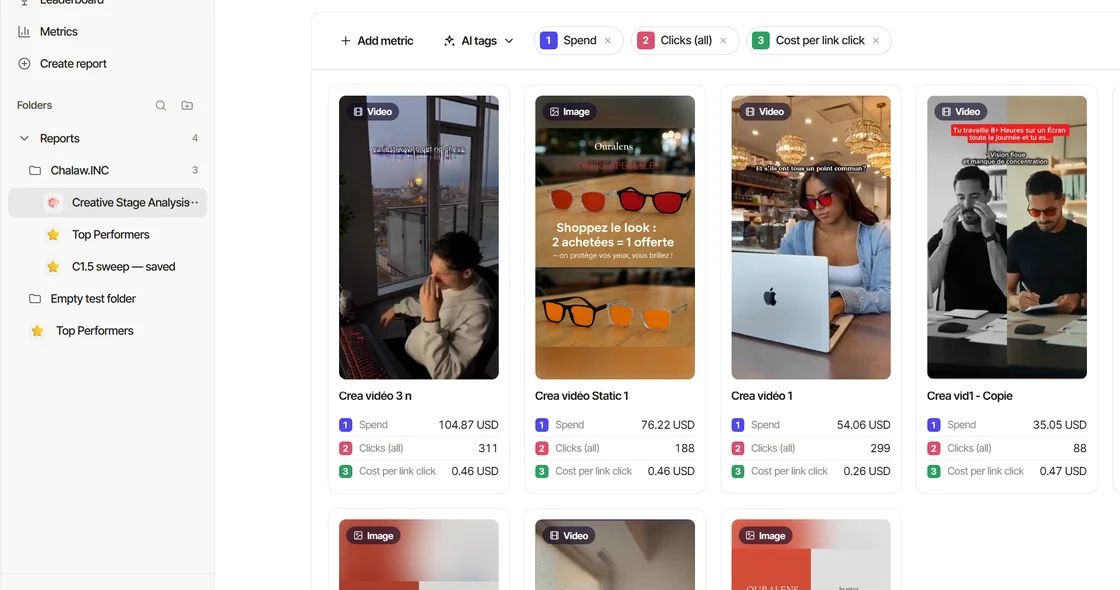
Every creative on Home carries four scores. They answer four different questions about the same ad.
The four stages
- Hook: do the first seconds stop the scroll?
- Watch: once stopped, do people keep watching?
- Click: does a view turn into a click?
- Convert: does a click turn into a result?
They are ranks, not benchmarks
A score is a percentile inside your own account: 80 means the creative beats roughly 80% of your other creatives at that stage. It is not a comparison with other brands, and there is no industry average behind it — a score of 90 on a small account says "your best", not "the market's best".
Ties share a rank, so two creatives with the same hook rate get the same Hook score.
The colour bands
- 80 and above — dark green: your top creatives at that stage.
- 60 to 79 — green.
- 40 to 59 — yellow.
- Below 40 — red: the stage where this creative loses.
When scores appear
A score covers a creative's last 14 days. A creative is scored once it has spent your workspace's spend threshold in that window: the floor for your ad account's currency (50 USD, 150 TND or 45 EUR), or the higher amount you set in Settings → Workspace → Data sources → Meta (how). Under it there is no provisional number: in Reports its score cells read Below gate. An ad account in another currency has no threshold, so every creative is scored.
Hook and Watch also need 1,000 impressions in the window, and a static image has no Hook or Watch at all. Scores are recomputed every morning from the previous day's metrics, and every variation of a creative shares the same scores, because Home ranks creatives, not individual ad ids.
How to read a mixed profile
- High Hook, low Watch — the opening promises something the video does not deliver. Look at seconds three to ten.
- High Watch, low Click — people like it and do not act. The call to action or the offer is missing or late.
- High Click, low Convert — the ad sells something the landing page does not. Check the price, the promise and the page.
- Low Hook, high Convert — a great offer nobody sees. Iterate the hook and keep everything else.
The scores are deterministic — the same rows give the same numbers every morning. What Friday adds is the reading: which of the four stages to fix first, and what to test next.