Creativity reads your Meta ad data. It never writes to your ad account.
The permissions we ask for
- ads_read — to read your ads, creatives and their performance metrics.
- business_management — to list the ad accounts you can choose to sync. Read-only: we never change a Business Manager setting, a page, or any asset.
The permission we will never ask for
Creativity does not request ads_management and never will. No creating, editing, pausing, budgeting or publishing of ads — not as a feature, not as an "optional" step. Ad previews play through Meta's own embed under the read permission.
Before you start
- Log in with the Facebook profile that holds admin or advertiser access on the ad account you want to sync — not a personal profile that only follows the page.
- If the ad account belongs to a Business Manager, that profile must be a member of it: Facebook shows a business and ad-account picker during consent, and only the accounts that profile can reach appear in it.
Steps
- Open Settings → Workspace → Data sources in your workspace.
- Click Connect on Meta. Facebook opens its login and permission screen.
- Approve the two permissions and pick the ad account(s) to sync.
- You are back in Settings with the connection marked active. The first sync starts as soon as the account is chosen and reads the last year; after that, your ad data syncs every hour.
- The same Connect to Meta dialog also offers your Facebook Page (Connect Page), so the comments on your ads can be read (Connect your Facebook Page). It is optional: you can connect the Page later, from the Meta card's Edit, then Connect Page.
What syncs
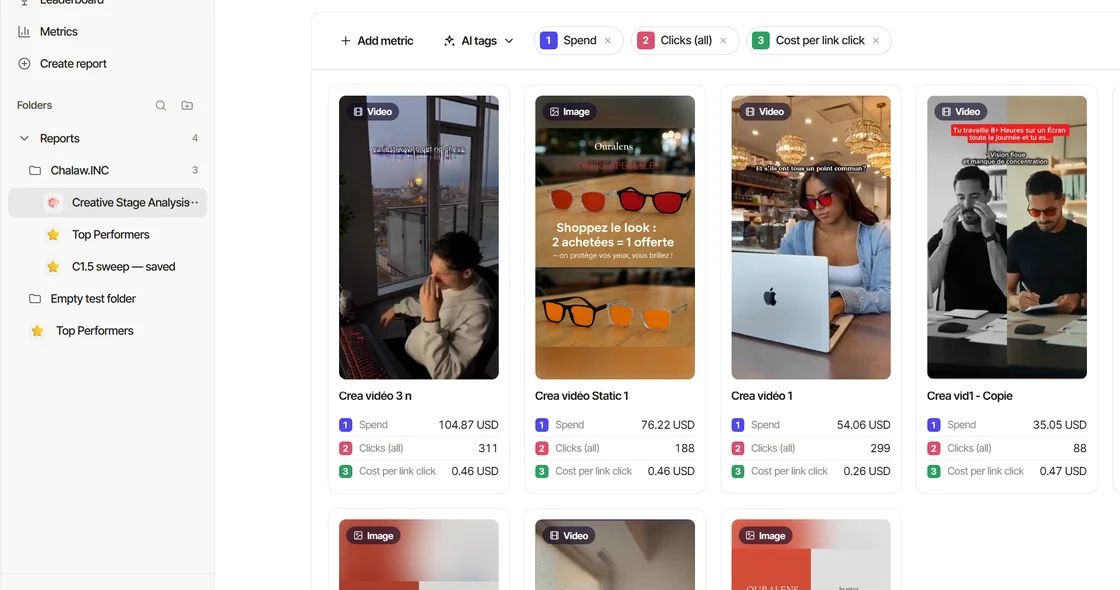
Ads, creatives, the daily metrics behind them (spend, impressions, clicks, results), and the previews. Creatives are grouped so that variations of one creative count as one row on Home.
Syncing by hand, and the 30-minute rule
The hourly sync needs nothing from you. To sync by hand, owners and admins press the sync pill (the Meta logo and the last sync's age) at the top of Home, the Leaderboard, a report or Metrics. A manual sync is refused within 30 minutes of the last successful one, and the pill's tooltip says how many minutes are left.
Change ad account
In Settings → Workspace → Data sources, press Edit on the Meta card, then ⋯ → Change ad account. It switches the workspace to another ad account. You confirm by typing the current account's name, because the change removes the old account's creatives, results, scores and AI tags from this workspace. Saved reports stay and re-run on the new account. Until the new account's first sync lands, the sync pill reads Not synced yet. Switching back brings the old account's data back with its next sync.
Disconnect and delete
An owner disconnects Meta in Settings → Workspace → Data sources: Edit on the Meta card, then ⋯ → Disconnect. It stops the sync immediately and revokes the token on our side; what Meta already sent stays in the workspace. To remove the synced data as well, follow Data deletion — the same page Meta links to from the app listing.
Troubleshooting
- "No ad accounts listed." You logged in with a profile that does not hold access on the account, or you did not select the ad account in Facebook's picker during consent. Disconnect, then connect again with the right profile.
- "Reconnect needed" or "Token expiring" on the Meta card. Meta signed the connection out (often after a password or security change on the Facebook login that authorized it), or is about to. An owner or admin presses Reconnect on the Meta card in Settings → Workspace → Data sources. Nothing synced is lost; each hourly sync re-reads the last 7 days and the daily one at 03:07 UTC the last 28, so a gap longer than 28 days stays a gap.
- The numbers differ from Ads Manager. Check the attribution window and the date range first; then write to support@creativity.run with the ad and the two numbers.